Free 3D editor
Free online STL editor
Edit, sculpt and cut STL, OBJ and GLB files right in your browser, then download the result. No sign-up, nothing to install.
- No account
- Nothing to install
- STL, OBJ, GLB
- Download as STL
Start here
Open your 3D file
Free
- STL · OBJ · GLB
- Runs in your browser
Free, no account needed. You pay only for a print.
What you can do
A full editor, not just a viewer
Change the shape
- Add boxes, cylinders, spheres, rings and text, or cut with them
- Holes for magnets and keyrings, loops, bases and a flat bottom
- Mirror, duplicate and place several models together
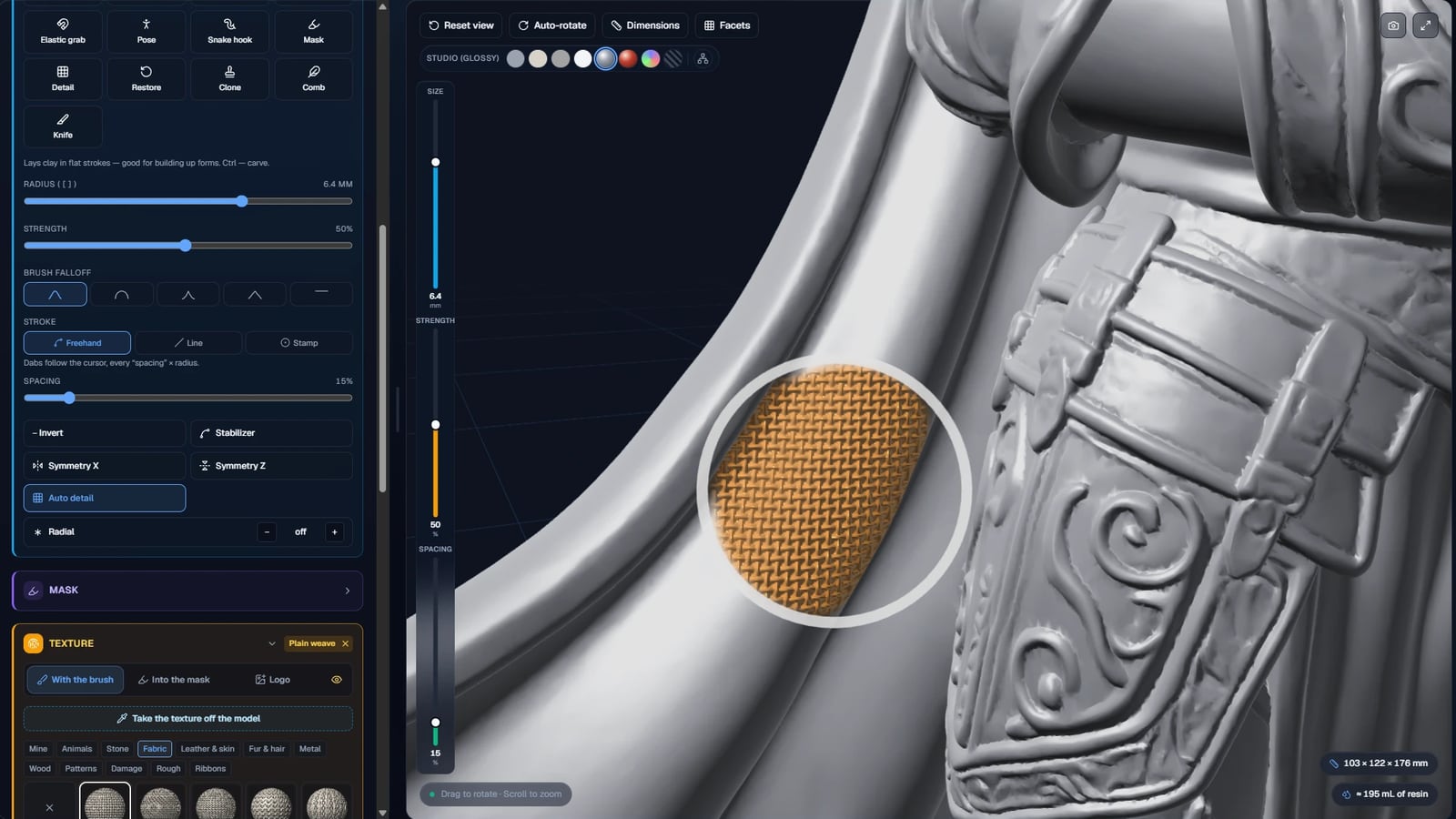
Sculpt
- Blender-style brushes: draw, clay, grab, smooth, crease and more
- Dozens of textures: scales, fabric, stone, leather and metal
- Put your logo or text on the surface
Change the pose
- A ready human skeleton, or one built from the model's shape
- Bend arms and legs, or pick a ready pose
- Pull a limb by its joint and the rest follows
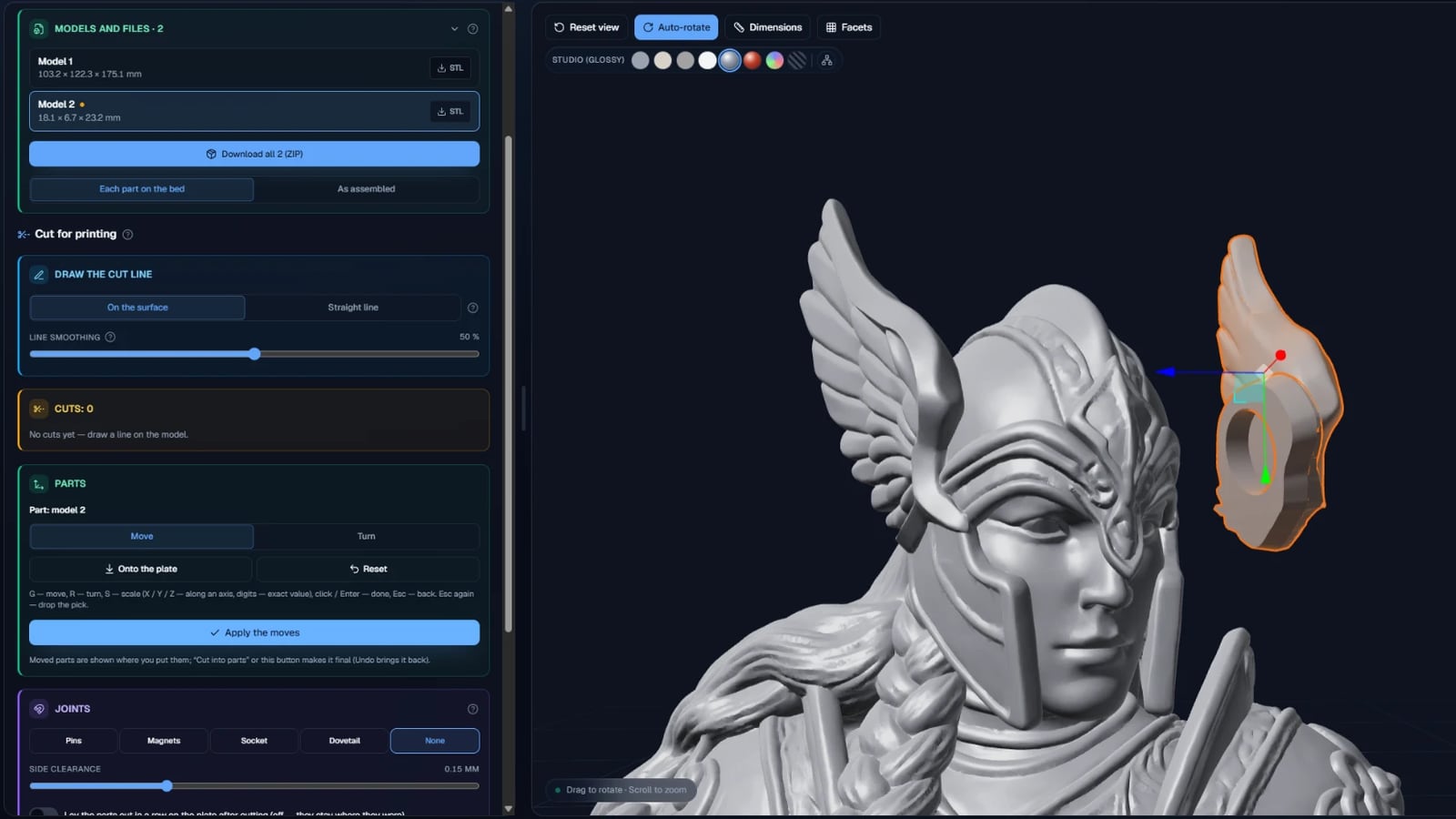
Cut for printing
- Draw the cut line right on the model
- Join parts with pins, dowels, magnets, sockets or dovetails, with the fit gap you set
- Download each part as its own STL, or all of them as a ZIP
How it works
Three steps, no account
- 1
Open your file
Drop an STL, OBJ or GLB file here, or start from our sample.
- 2
Edit it
In the studio, the Editor tab is already open. Press Start editing and go.
- 3
Download or print
Download the STL for your own printer. Or order a resin print from us, only if you want one.
Frequently asked questions
Yes. Editing, cutting and downloading are free and need no account. You pay only if you order a print or use AI generation.
STL, OBJ and GLB. You download the result as STL: each part as its own file, or all of them in a ZIP.
Files up to 100 MB. A model of about 2 million triangles takes a few seconds to prepare on a desktop computer.
Without an account, no: it opens and is edited in your browser. If you are signed in, we keep a private copy so that ordering a print and your History work.
To download it, no. Saving a model to your History needs a free account. Without one, download your files before you close the tab: nothing is kept for you.
Small defects, yes: when the editor opens it welds the mesh and closes small holes and flipped faces. A badly damaged file may not open in the editor.
It is made for a computer with a mouse. On a phone it may open, but big models can be slow or fail to load.
Yes. Next to the editor you pick the size and resin and see the price. Add it to the cart, and we print it in resin and ship it from the United States.
No printer? We'll print it
Pick the size and resin next to the editor and see the price straight away. We print and ship from the United States.